
This wiki-40 page should serve as an introduction to what is the weather station and what were main problems with it.
Weather Station consists of several sensors of outside and inside weather conditions, weather monitor that allows to read on its screen the data from those sensors, and an additional 'WeatherLink' device that allows to access the information about weather conditions from the control UNIX computers. The trends of these data are available for seeing in Dataviewer, the corresponding channels are located in "Slow Channels" in "C1:PEM-weather".
Below is more detailed description of Weather Station.
What is 'Weather Station'?
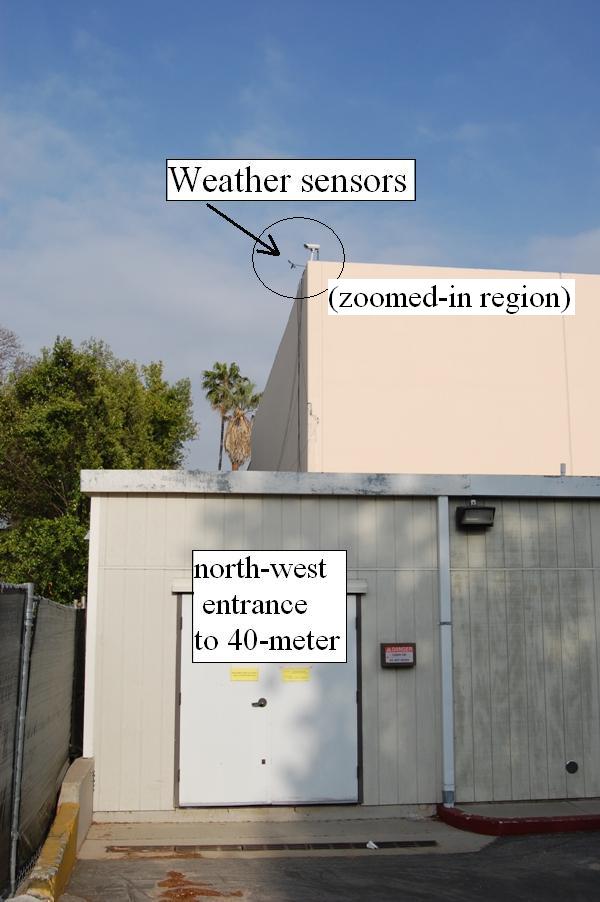
Weather station consists of commercially available 'Weather Monitor' (made by Davis company), temperature/pressure/humidity sensors that are located outside of the building (on the roof above the north-west entrance to the 40-meter lab) and a junction box that allows the signals from the roof outside sensors to be seen on the 'Weather Monitor' screen. In addition to these three components (Weather Monitor, Sensors and Junction Box) there is the fourth component, 'WeatherLink' , which is responsible for communication between 'Weather Monitor' and UNIX computers which are located in the control-room. Pictures of main components of 'Weather Station' are below.
If everything works correctly, the information about temperature/pressure/humidity/wind speed should be available in two places. Firstly, this information is indicated on the screen of the 'Weather Monitor' (a small black box hanging on the north wall of the laser interferometer room, approximately near the beam-splitter chamber), and secondly, the same information should be available on the EPICS screen "c0Checklist.adl" of the control UNIX computers and in Dataviewer.
Using only outside sensors, junction box and 'Weather Monitor', but not using the 'WeatherLink' device, one can read inside/outside temperature, humidity, wind speed/direction and pressure on the screen of 'Weather Monitor'. But if one does not use the 'WeatherLink' device, it is not possible to access this information from the control UNIX computers. In order to be able to transfer signals from the 'Weather Monitor' to the UNIX control computers, one needs to use a separate additional electronic device, 'WeatherLink', which enables the communication between 'Weather Monitor/ and the control UNIX machines through the processor 'c1pem1'. In this case, data about inside and outside temperatures, amount of precipitation, outside pressure, wind speed and direction is indicated on the "c0Checklist.adl" EPICS screen of MEDM, and one can see trends of these data in 'Dataviewer'.
History of the weather station at 40-meter lab can be seen here. (Description of the previous problems with Weather Station and a detailed explanation how to connect RJ45 connector to a Cat5 cable are given)
More description of the roof sensors and their interaction with UNIX computers can be seen here.
Pictures of the main components of 'Weather Station'
Overall scheme of the 'Weather Station' components (from the manual, click on image to enlarge)

Weather Monitor (front view)
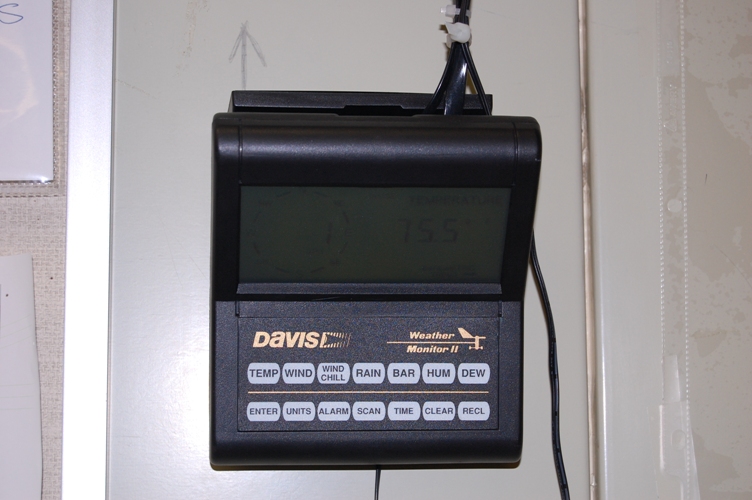
Weather Monitor Box (rear view) and "Weatherlink" device which allows communication with computers

Sensors on the roof of the building (overall view and "zoomed-in" view on the next picture)
Wind Sensors (anemometer) on the roof "zoomed-in", rain collector and external temperature sensors are nearby (see them on the next pictures below)
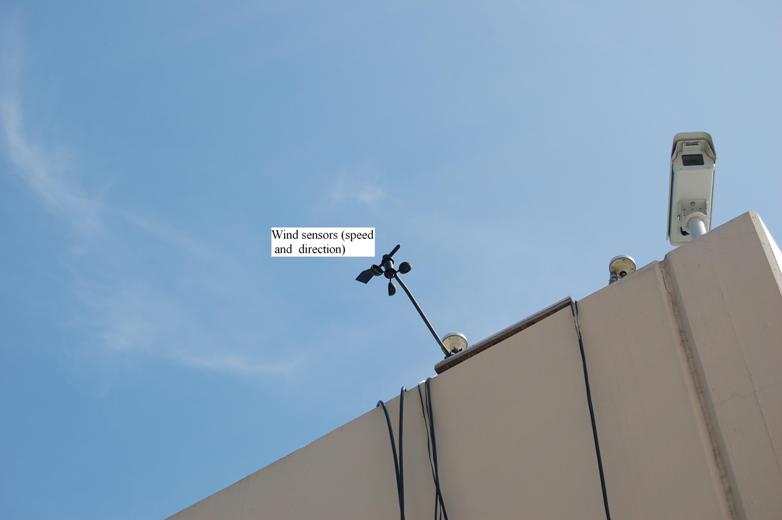
All sensors that are on the roof (click on the picture to enlarge)

Temperature/humidity sensor (click on the picture to enlarge)

Rain collector on the roof

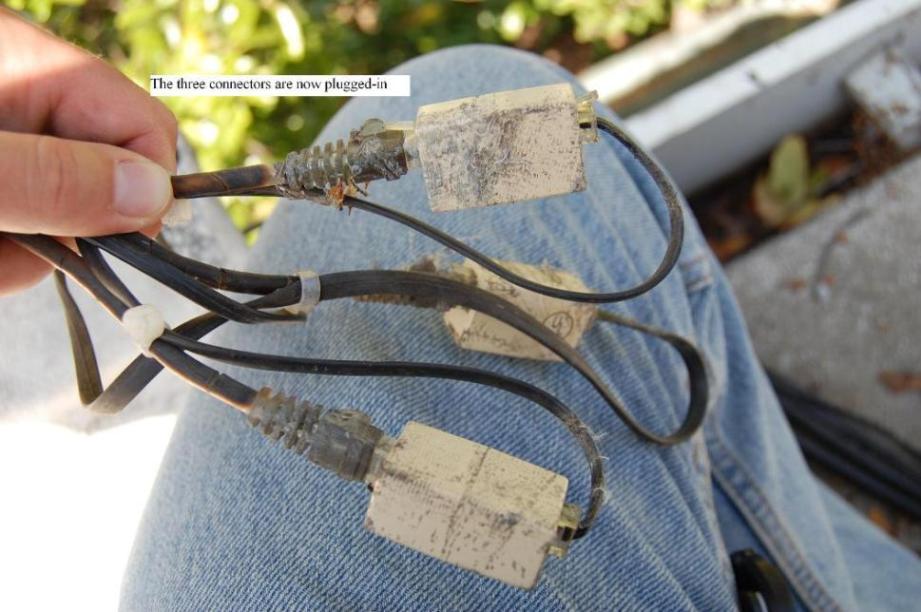
Cable connectors half-way between the roof sensors and the junction box, which should be inside of the building
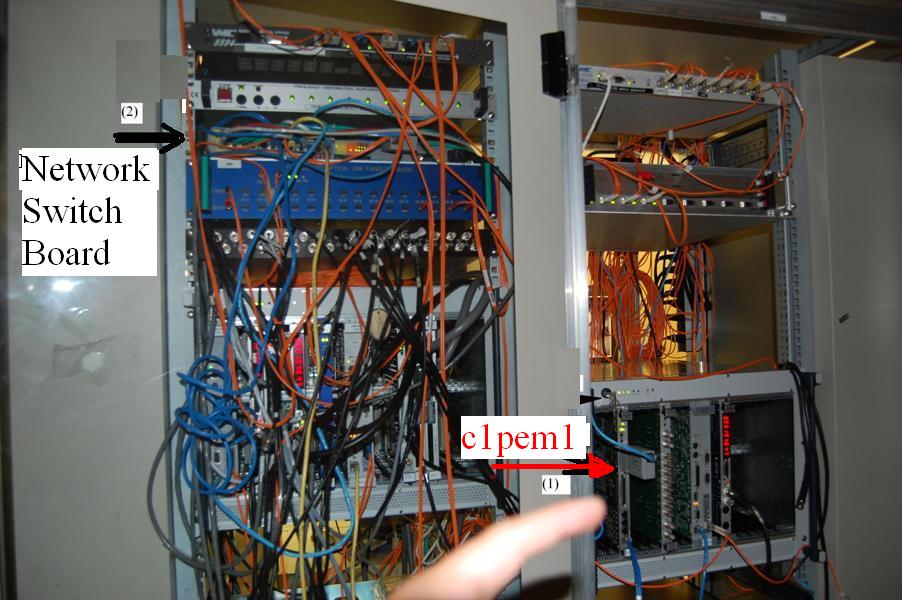
Rack with: (1) computer 'c1pem1' and (2) network switch board. Signal from "Weather Monitor" goes through the "WeatherLink" to the "c1pem1" processor, and then a signal goes out from "c1pem1" to the "Network Switch Board" and further to the control UNIX computers. This rack with "c1pem1" is located near the DAC rack not far from the MC2 mirror of the mode-cleaner
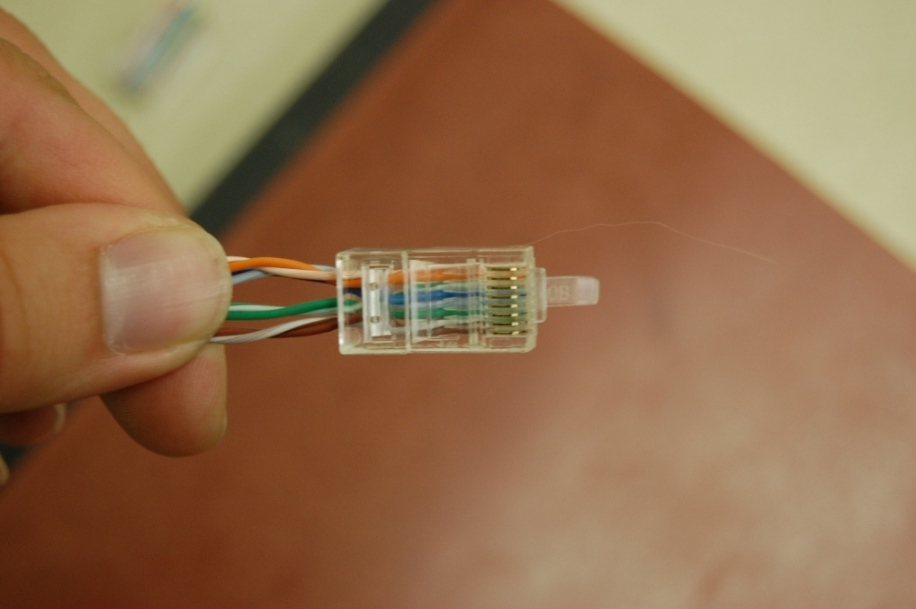
RJ-45 cable ending for Cat5 8X8 cable that links 'WeatherLink' and 'c1pem1'. This connection near 'c1pem1' was flaky, so it was replaced in April 2008
Screenshot of the c0Checklist.adl screen
